Design the Future
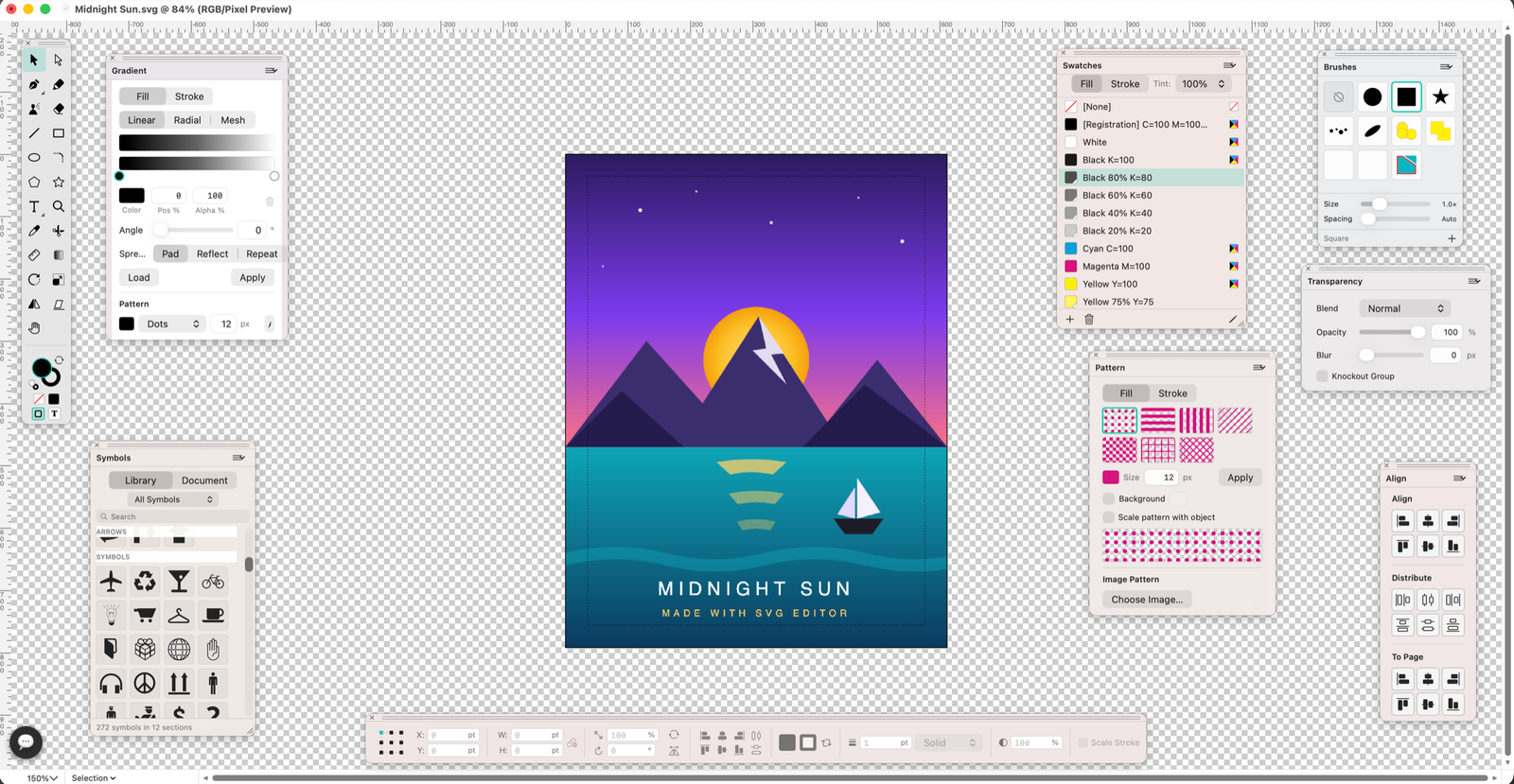
SVG Editor brings the timeless palette-driven workflow to native SVG editing — pen tool, pathfinder, gradients and layers.
A complete vector toolbox, in a floating-palette workflow
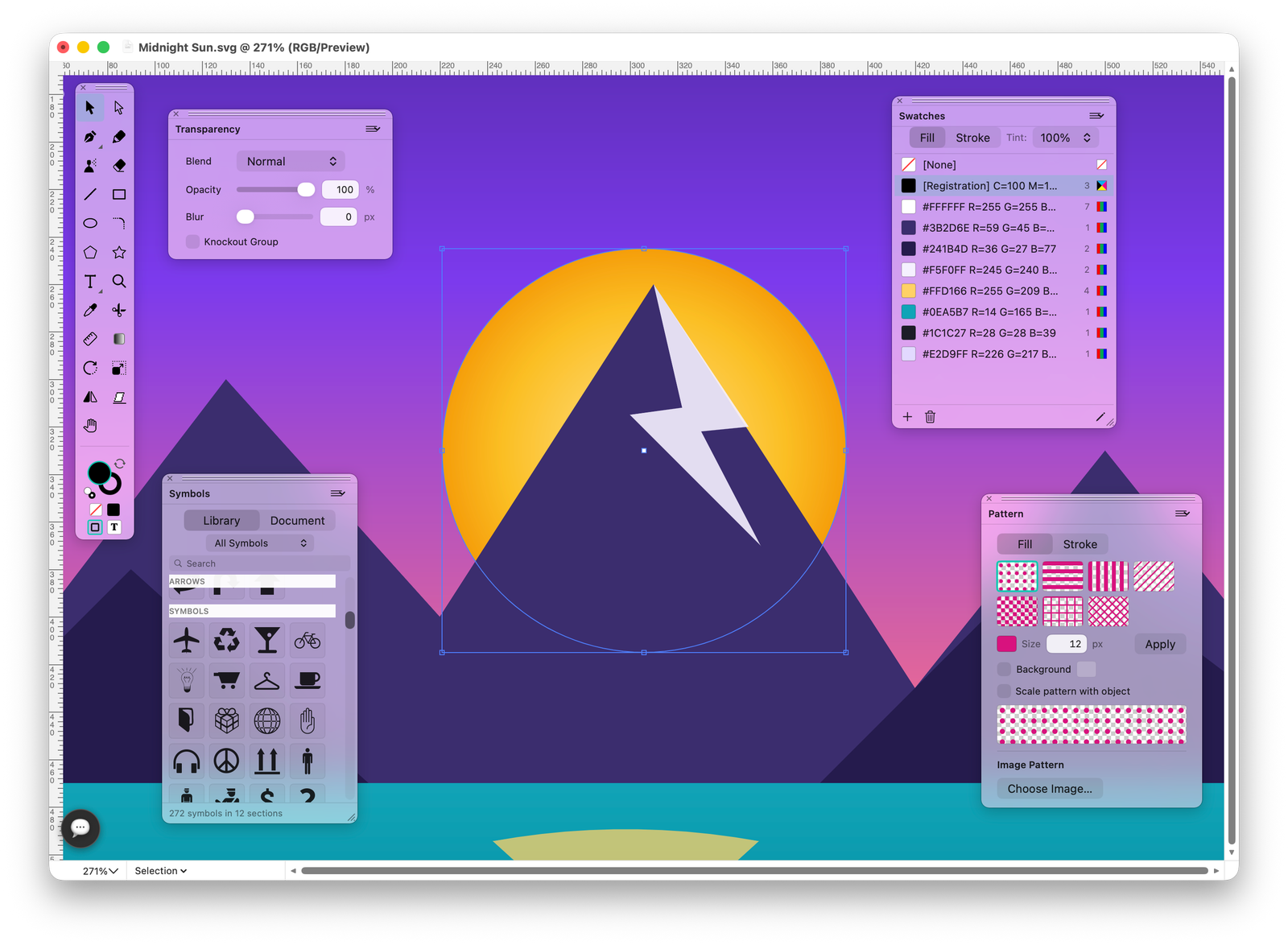
Pen, shapes, freehand, gradients and more — arranged the way that made classic illustration software legendary.
A real pen tool
Draw precise Bézier paths with the Pen, then refine every node with Add Anchor, Delete Anchor and Convert Direction Point. Direct Selection gives you full control over handles.
All drawing tools →
Gradients, swatches and brushes
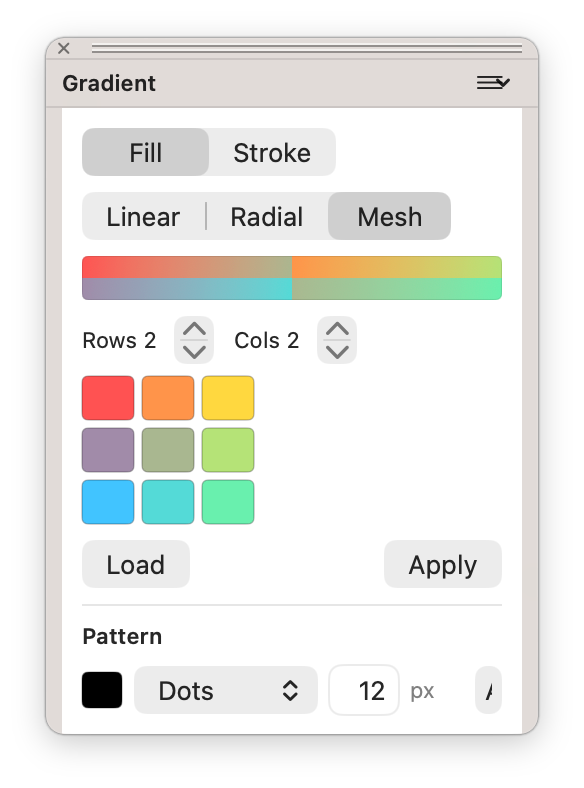
Linear, radial and mesh gradients with a dedicated palette. A full swatch library, pattern fills, transparency with blend modes, and custom brushes defined from your own artwork.
Color & styling →Transform, align and pathfind
Unite, subtract, intersect and exclude shapes; divide, trim, merge and crop. Align & distribute, join and average points, outline strokes, offset paths and round corners — the full path toolbox.
Editing & objects →
Layers that stay organized
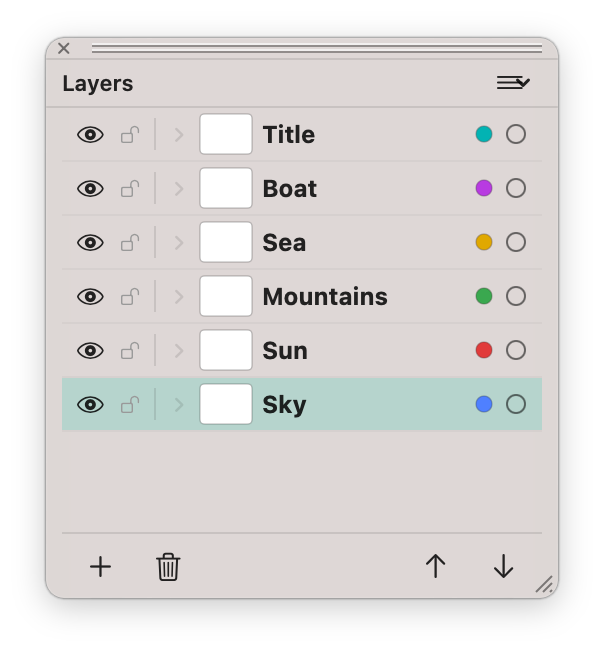
Name, reorder, lock, hide and color-code your layers from the Layers palette. Everything is stored as clean, standard SVG groups — no proprietary format.
The interface →Describe it. Get editable vectors.
Type plain language into the AI Console and get real, layer-aware vectors you can keep editing — insert a single shape or restyle a whole document. Choose your engine: the built-in server (no key needed), or bring your own Claude, OpenAI or Gemini API key with a custom base prompt.
See how it works →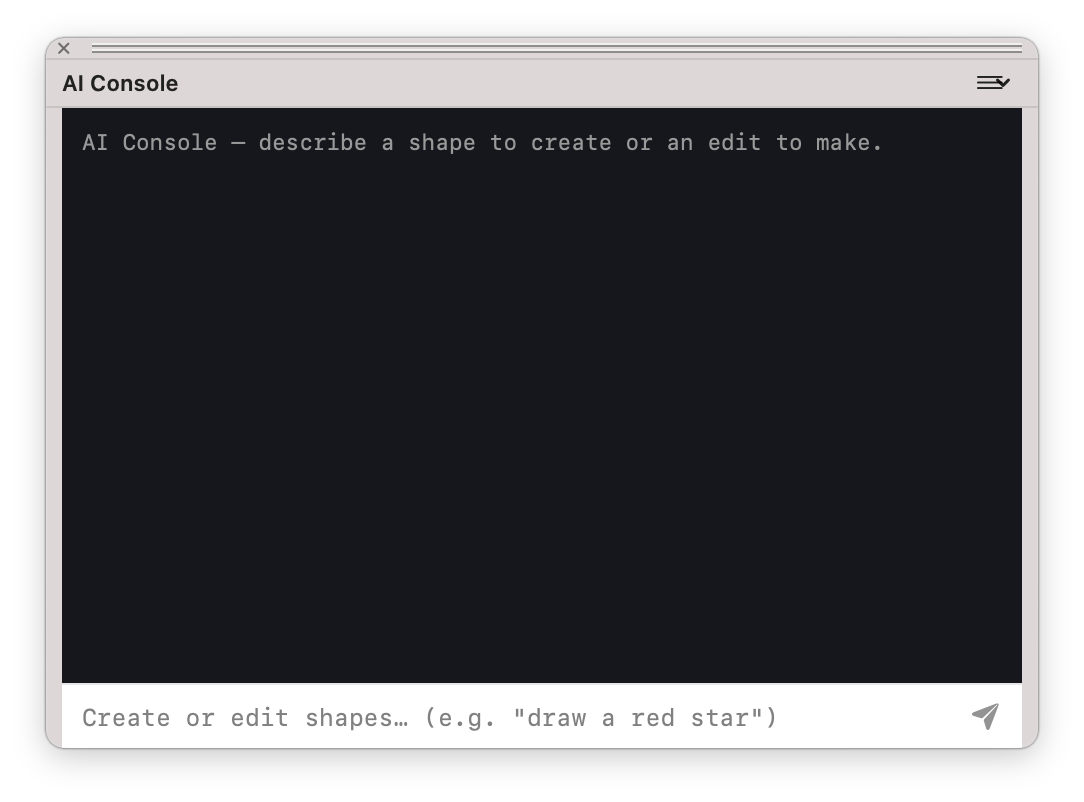
Everything at a glance
SVG Editor is packed with production features. Every card below is a deep dive into one area.
Every tool a single key. Every command a chord.
Get SVG Editor
Free on the Mac App Store. Draw it, style it, ship clean standard SVG.
Get Free